
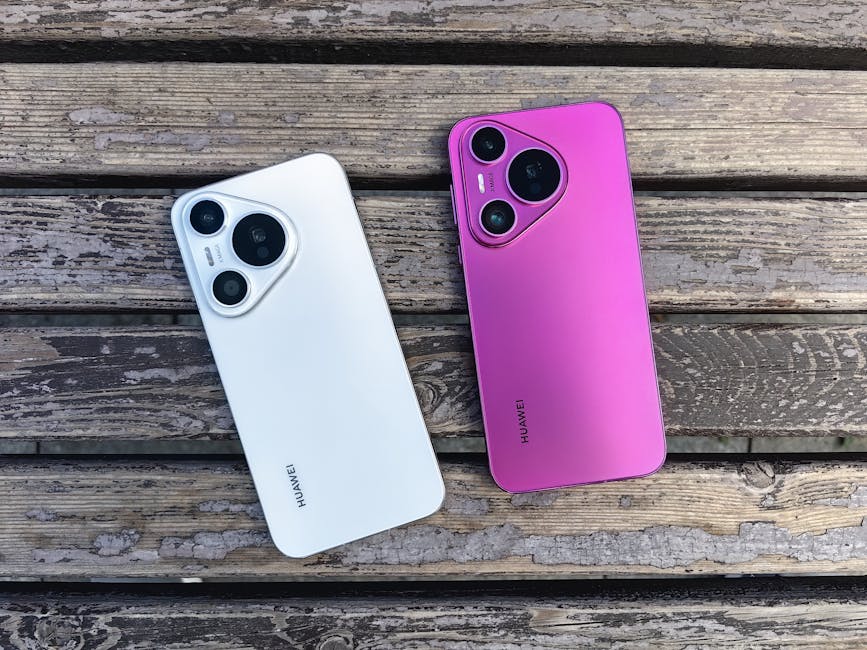
The Great Unification: How New Android Gadgets Are Finally Breaking the Ecosystem Barrier
Introduction: The End of the Digital Divide
For over a decade, the smartphone market has been defined by a rigid dichotomy: the “walled garden” of iOS versus the open, diverse ecosystem of Android. While both platforms have matured into robust operating systems, one persistent pain point has remained a thorn in the side of users everywhere: file sharing. The inability to seamlessly transfer high-quality photos, videos, and documents between the two dominant platforms has been a source of frustration, social friction, and workflow bottlenecks. However, the landscape of Android News is currently dominated by a seismic shift that promises to dismantle this barrier once and for all.
With the release of the latest generation of flagship devices, specifically the newest wave of Android Phones led by Google’s latest hardware, the industry is witnessing a historic convergence. We are entering an era where proprietary protocols are bowing to standardized interoperability. This isn’t just about a single phone model; it represents a fundamental change in how Android Gadgets communicate with the wider technological world. This article explores the technical underpinnings, practical applications, and future implications of this newfound ability for Android devices to interact natively with protocols previously exclusive to Apple’s ecosystem, effectively bridging the “AirDrop gap.”
Section 1: The Evolution of Wireless Transfer Protocols
To understand the magnitude of this shift, we must first look at the fragmented history of wireless file transfer. For years, the industry was split. Apple utilized a proprietary stack combining Bluetooth Low Energy (BLE) for discovery and point-to-point Wi-Fi for data transfer. This created a seamless, “magic” experience for users within the ecosystem. Conversely, Android struggled through various iterations—from the clunky Android Beam (NFC-based) to the more recent and effective Quick Share (formerly Nearby Share).
The Standardization of Discovery
The breakthrough driving the current excitement in Android News is not a “hack” or a third-party app, but a shift in regulatory and technical standards. The catalyst lies in the adoption of universal Wi-Fi and Bluetooth discovery standards. The latest Android Gadgets are now shipping with network interface controllers (NICs) and firmware stacks capable of recognizing the specific advertising packets used by competitor devices.
Previously, an iPhone broadcasting its availability via BLE was speaking a language Android phones were hardware-capable of hearing, but software-restricted from understanding. The new paradigm relies on a standardized implementation of Neighbor Awareness Networking (NAN). This allows devices to discover one another without connecting to a shared Wi-Fi access point, creating a direct, ad-hoc link regardless of the operating system.
Hardware Requirements for the New Era
This interoperability is not merely a software update that can be pushed to a five-year-old device. It requires specific hardware capabilities found in modern Android Phones. Key requirements include:
- Wi-Fi 6E/7 Support: High-bandwidth chips are necessary to negotiate the secure handshake and transfer speeds required to match the user expectations set by proprietary systems.
- Advanced BLE Controllers: The device must be able to constantly scan for “advertising” packets from foreign ecosystems without draining the battery—a feat that requires highly efficient, modern silicon.
- Secure Enclave Integration: Cross-platform sharing requires robust encryption keys to ensure that a file sent to “Jane’s Phone” actually goes to Jane, not a spoofer nearby.
Section 2: Technical Deep Dive: How the Bridge Works
The mechanism allowing the latest Pixel and upcoming Samsung devices to interact with Apple’s transfer protocols is a marvel of engineering and regulatory compliance. It involves a complex “handshake” that translates proprietary requests into a universal standard.
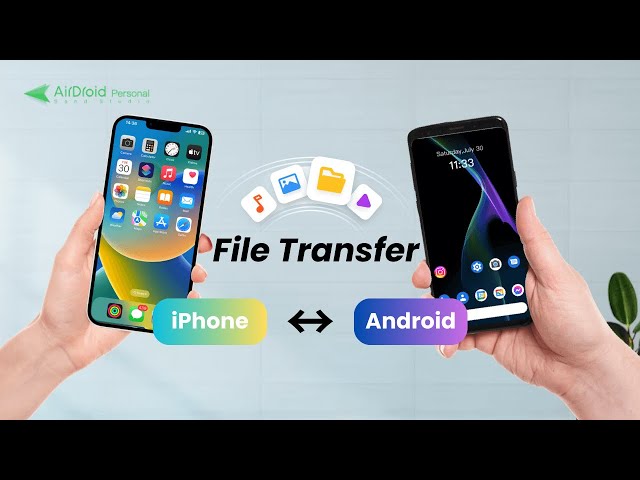
The Discovery Phase: Bluetooth LE Advertising
When a user attempts to share a file, the sending device emits a Bluetooth Low Energy beacon. In the past, Android devices ignored the specific hash broadcast by iOS devices. Now, the latest Android Gadgets utilize a translation layer within the Bluetooth stack. This layer identifies the unique identifier hash used by the opposing ecosystem.
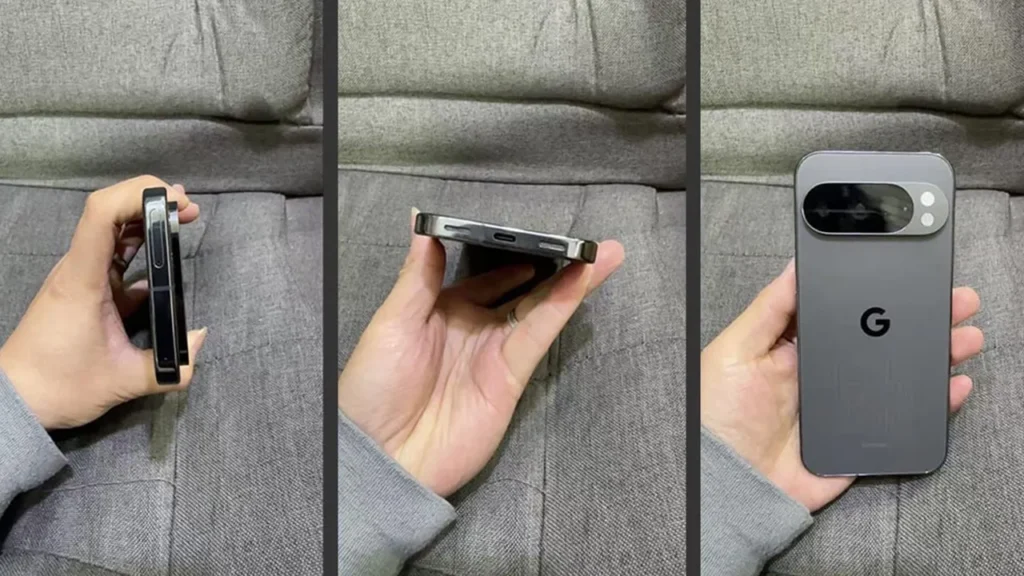
The system works by implementing a “Federated Discovery Protocol.” Instead of looking for a specific OS signature, the hardware looks for a standardized service UUID (Universally Unique Identifier) that regulators and standards bodies have pushed manufacturers to adopt. This allows a Pixel 10, for example, to appear on an iPhone’s share sheet as a legitimate target, and vice versa.
The Transfer Phase: Wi-Fi Direct and Encryption
Once the handshake is established via Bluetooth, the heavy lifting begins. The devices negotiate a direct Wi-Fi connection. This is where the magic happens:
- Credentials Exchange: Using TLS 1.3 (Transport Layer Security), the devices perform a mutual authentication. This ensures that the connection is encrypted and immune to “Man-in-the-Middle” attacks.
- Channel Negotiation: The devices agree on a specific Wi-Fi channel (often in the 5GHz or 6GHz spectrum) to maximize throughput and minimize interference.
- Data Stream: The file is broken down into packets and transmitted. Because modern Android Phones utilize UFS 4.0 storage and Wi-Fi 7 modules, these transfers can reach speeds exceeding 100 MB/s, rivaling or even surpassing wired USB 2.0 connections.
Handling File Formats and Metadata
A critical component of this interoperability is the handling of metadata. When a Live Photo is sent from an iPhone to an Android device, it was historically converted to a static JPG or a messy video file. The new interoperability standards include “Container Parity.” This means the receiving Android device knows how to interpret the HEIC/HEIF containers and the associated video data, preserving the “motion” of the photo and the high dynamic range (HDR) metadata. This ensures that content creators retain quality regardless of the destination device.
Section 3: Real-World Scenarios and Ecosystem Implications
The ability for Android Gadgets to natively accept and send files to the iOS ecosystem changes the landscape for consumers, enterprise environments, and content creators. It effectively neutralizes one of the strongest lock-in mechanisms in the tech industry.
The Hybrid Workplace
In corporate environments, the “Bring Your Own Device” (BYOD) policy often results in a fragmented mix of hardware. Marketing teams might use iPads for design, while sales teams use Android Phones for their flexibility and integration with Google Workspace.
Scenario: A sales representative has just finished a site visit and recorded 4K footage on their Android flagship. They need to transfer this immediately to a social media manager who edits on an iPad Pro. Previously, this required uploading to a cloud service (slow, data-intensive) or using a messaging app (compression artifacts). With the new protocol support, the transfer happens offline, instantly, and at full quality. This drastically reduces friction and increases productivity.
The Social Dynamic
Socially, the inability to share photos easily has been a point of contention—the dreaded “green bubble” effect extending to file sharing.
Scenario: A group of friends is on vacation. Half use iPhones, half use Androids. At the end of the trip, sharing the collective photo album usually involves creating a shared cloud folder. Now, users can simply open their share menu, see all devices regardless of manufacturer, and blast the photos to the group. This normalization of Android Gadgets in social settings removes the stigma and friction previously associated with “being the one with the Android.”
Impact on the Tablet and Laptop Market
This shift extends beyond phones. Android tablets and Chromebooks stand to gain significantly. If a Chromebook can accept a file dropped from an iPhone as easily as a MacBook can, the value proposition of the Chromebook increases for students and creatives who may own an iPhone but cannot afford a Mac. It democratizes the hardware choices, allowing users to mix and match the best hardware for their needs without being punished by software incompatibilities.
Section 4: Security, Privacy, and Best Practices
With great connectivity comes great responsibility. Opening up Android Phones to receive files from a broader spectrum of devices introduces new security vectors. While the convenience is undeniable, users must be vigilant.
The Risks of Open Protocols
The phenomenon known as “Cyber-flashing”—sending unsolicited, inappropriate images to strangers—was previously contained within specific ecosystems. By bridging the gap, the potential pool of victims and perpetrators expands. Furthermore, malicious actors could attempt to exploit the handshake protocol to inject malware, although the sandboxed nature of modern mobile OSs makes this difficult.
Best Practices for the New Era
To safely navigate this new interoperable world, users of Android Gadgets should adhere to the following guidelines:
- “Contacts Only” is King: Always keep your visibility settings to “Contacts Only.” This prevents strangers in public spaces (coffee shops, airports) from seeing your device on their share sheet. Only switch to “Everyone” temporarily when receiving a file from a new acquaintance, and switch it back immediately after.
- Verify the Sender: The new protocols display a hash or a device name. Ensure you recognize the device name before accepting. If you receive a request from “iPhone (2),” and you don’t know who that is, decline immediately.
- Update Regularly: As this is a relatively new implementation in the Android News cycle, patches and security updates will be frequent. Ensure your device is running the latest security patch level to protect against protocol vulnerabilities.
- Disable When Not in Use: For maximum security, turn off the “Quick Share” or discovery feature entirely when you are not actively using it. This also saves battery life by stopping the constant BLE scanning.
Data Privacy Considerations
Users should also be aware that while the transfer is encrypted, the metadata (device name, approximate location via signal strength) is broadcast during the discovery phase. Naming your device something generic (e.g., “Pixel Phone” rather than “John Smith’s Pixel”) is a prudent privacy step to avoid broadcasting your identity to everyone with a Wi-Fi chip in a 50-foot radius.
Conclusion
The integration of cross-platform file sharing capabilities into the latest Android Gadgets marks a pivotal moment in consumer technology. It signifies a move away from the isolationist strategies that have defined the last decade and toward a user-centric future where hardware choice does not dictate workflow limitations.
For the Android ecosystem, this is a massive victory. It removes a significant barrier to entry for users looking to switch from competitor platforms and enhances the utility of Android Phones in mixed-device households and workplaces. While security remains a priority that requires user diligence, the technical achievement of bridging these two worlds cannot be understated. As we look forward, we can expect this interoperability to expand beyond files to include clipboard sharing, media casting, and perhaps even unified messaging standards, proving that the future of mobile technology is connected, open, and seamless.



