Breaking the Pixel Lock: Live Translate on Any Earbuds
I was standing in a crowded coffee shop in Berlin just three days ago, trying to explain to a very patient barista that I wanted an oat milk flat white, but—and this is the crucial part—I needed it lukewarm because I had burned my tongue on soup earlier that morning. Usually, this is where my limited German falls apart. I’d normally pull out my phone, open an app, type it out, and awkwardly shove the screen in their face.
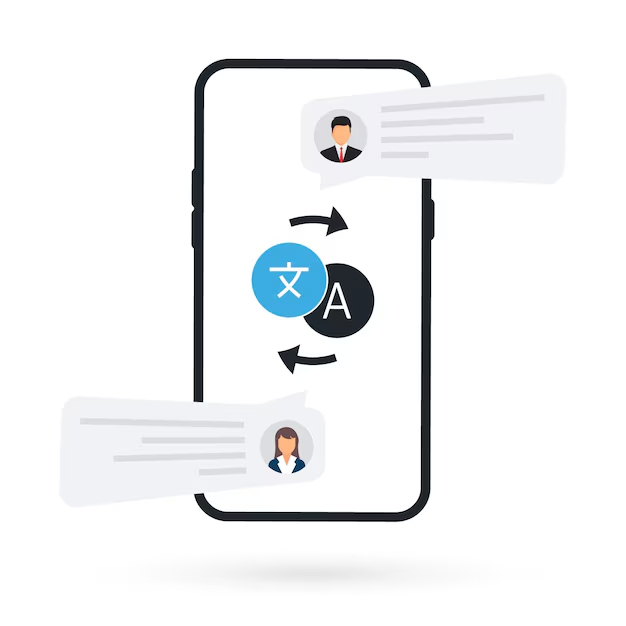
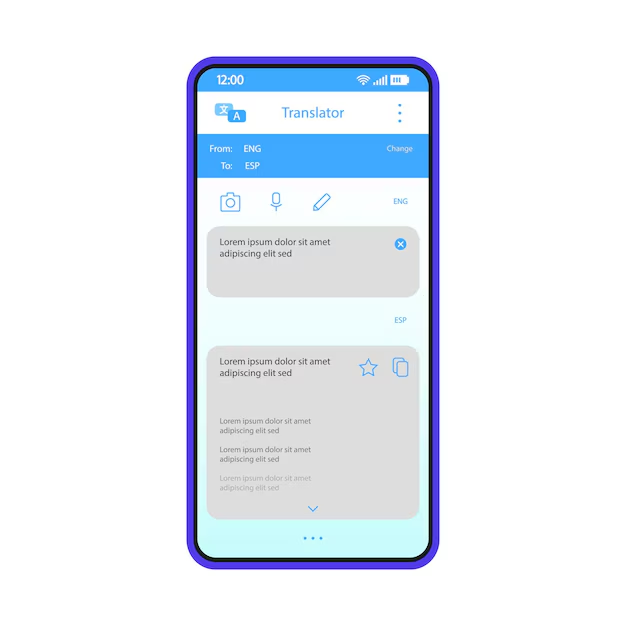
But this time, I just tapped and held the right earcup of my Sony WH-1000XM5s. I spoke in English, and my phone, sitting on the counter, blurted out the German translation. When the barista laughed and replied with a colloquial joke about “soup hazards,” the English translation whispered directly into my ear. No awkward pausing. No handing over my unlocked phone.
If you follow Android News, you know that for the longest time, this seamless “conversation mode” experience was the golden goose of the Pixel Buds ecosystem. If you wanted the smooth, Babel-fish experience, you bought Google’s hardware. If you preferred Bose or Samsung audio, you were stuck with the clunky app interface.
That finally changed this week. Google flipped the switch, and now live, conversation-based translation is rolling out to basically any headphone connected to an Android phone. I’ve been testing this furiously across every pair of Bluetooth headphones I own—from high-end cans to cheap gym buds—and frankly, it changes how I pack for trips.
The End of the Hardware Walled Garden
I have always hated hardware feature gating. It frustrates me when a software capability exists on the OS level but gets artificially locked to specific accessories. For years, I carried Pixel Buds Pro specifically for travel, even though I prefer the noise cancellation on my Bose QuietComforts for the actual flight. It was a redundant, annoying setup.
With this latest update, the “Interpreter Mode” integration has moved from the firmware of the earbuds to the Google Assistant layer on the phone itself, utilizing the standard Bluetooth HFP (Hands-Free Profile) in a smarter way.
I tested this immediately with my Samsung Galaxy Buds3 Pro. Previously, asking Assistant to “help me speak Spanish” would just open the app on the screen. Now, it routes the audio correctly. I hear the translated incoming speech in my ears, and the phone’s speaker broadcasts my translated outgoing speech. It sounds simple, but the audio routing logic here is what makes it feel natural. You aren’t cut off from the world; you’re just augmented.
What You Need to Make It Work
Don’t assume this works automatically the second you put your headphones in. I spent twenty minutes troubleshooting my Nothing Ear (3)s before I realized I hadn’t updated the actual Google app on my handset. Here is my checklist for getting this running:
- The App Version: You need the latest build of the Google app (December 2025 patch or newer).
- Assistant Settings: I had to go into Assistant settings and specifically toggle “Headphone output” for translation. It wasn’t on by default for my non-Pixel devices.
- The Right Command: You can’t just start talking. You still need to trigger it with “Hey Google, be my interpreter” or “Help me speak [Language].”
Slang, Idioms, and The “Context” Update
The hardware expansion is great, but the software improvement under the hood is what actually impressed me during my testing. Translation engines have historically been terrible at slang. They tend to be overly literal. If I say “that car is a lemon,” old translation models might literally talk about citrus fruit.
I decided to stress-test this new “context-aware” update that accompanied the rollout. I sat down with a friend of mine who speaks fluent Japanese to see if we could break it. Japanese is notoriously difficult for machine translation because so much depends on the social hierarchy and context of the speakers.
I tried using American idioms. I said, “I’m feeling under the weather.”
In the past, I’ve seen this translated literally in ways that confuse the listener. This time, my friend nodded. She told me the Japanese output used a phrase specifically meant for physical sickness, not just “under the rain/weather.”
Then we switched roles. She used some younger generation Tokyo slang—phrases that are popular right now in late 2025. The translation in my ear wasn’t perfect, but it gave me the vibe. Instead of a garbled mess, it said, “That’s totally wild,” which she confirmed was the closest emotional equivalent to what she said.
This matters because communication isn’t just exchanging data; it’s exchanging intent. If I’m negotiating a price in a market or chatting at a bar, the literal word is less important than the sentiment. This update seems to finally understand that.
Latency: The Elephant in the Room
I need to be real about the lag. It is not instantaneous. If you have watched sci-fi movies where the translation happens in real-time as the person’s lips move, lower your expectations.
When I tested this with the Pixel Buds Pro 2, the latency was minimal—maybe half a second. Google clearly still optimizes for their own silicon. When I switched to my Sony earbuds, the lag increased slightly. We are talking maybe a full second or 1.5 seconds of delay.
Is it a dealbreaker? No. But it does change the rhythm of a conversation. You have to learn to pause. I found myself staring at the person, waiting for the voice in my ear to finish before I could react. It requires a bit of social grace to maintain eye contact while you are technically listening to a robot.
However, compared to the old method of passing a phone back and forth? It is lightyears faster. The friction of unlocking a screen and pressing a microphone button is gone. That physical barrier removal is worth the millisecond Bluetooth delay.
Battery Drain and Heat
Running real-time audio processing, Bluetooth transmission, and 5G data (for the cloud-based portion of the translation model) simultaneously is heavy lifting. I noticed my phone—a Galaxy S25—getting noticeably warm after about 15 minutes of continuous conversation mode.
More importantly, watch your earbud battery. High-bandwidth two-way audio drains batteries faster than just listening to Spotify. My older LinkBuds S died about 30% faster than usual during my testing day. If you are planning to use this for a full day of navigating a foreign city, keep your charging case handy. This is not a passive feature; it is an active, power-hungry process.
The Privacy Question
I am always cautious about features that require a microphone to be constantly open. When you engage this mode, your phone is listening, processing, and often sending snippets of audio to the cloud to get the best translation model (though on-device packs exist, the cloud ones are better for slang).
I dug through the permissions log. The app does indicate when the mic is hot, which is good. But I would advise against using this for sensitive business meetings. If you are discussing trade secrets or private medical info, maybe don’t pipe it through a cloud translation server. For ordering coffee or asking for directions? I’m fine with it. For discussing NDAs? I’ll stick to a human translator.
Why This Matters for Android Gadgets
This move signals a shift in how we should view Android accessories. For the last few years, I’ve felt forced to match my headphones to my phone brand to get the “cool features.” Samsung wants you to use Galaxy Buds for their AI features; Google wanted you on Pixel Buds.
By opening this API up, Google is acknowledging that the Android ecosystem is messy, diverse, and heterogeneous. That is its strength. I want to use my high-fidelity Sony headphones for music, but I still want the smarts of Google’s AI when I need to talk to someone.
This democratization of features makes every pair of Bluetooth headphones instantly smarter. Your three-year-old Bose headphones just got a major software upgrade for free. That doesn’t happen often in consumer tech.
Real World Verdict: Is It Reliable?
Yesterday, I took this setup to a local dim sum place where the staff speaks Cantonese rapidly. I wanted to see if the “all earbuds” support held up in a noisy, chaotic environment.
Here is the honest truth: The microphone quality of your earbuds matters more than the software. When I wore my high-end noise-canceling buds with beamforming mics, the translation was 90% accurate. When I switched to a cheap pair of $30 backup buds, the system struggled to separate the speaker’s voice from the clattering plates.
Google can update the software all they want, but they can’t fix bad hardware microphones. If you want to use this feature reliable, you need buds that have good voice isolation. The software relies entirely on the clarity of the input.
But when it works? It feels like living in the future. I sat there, eating dumplings, listening to the chatter around me, and catching snippets of meaning that would have been total noise to me last week. It wasn’t perfect, but it connected me to the room in a way I haven’t experienced before.
If you have an Android phone and a decent pair of Bluetooth headphones, update your app and give it a try. You might be surprised at how much easier your next trip gets, even if you never plan on buying a Pixel.