KeePassDX 4.1.0 Argon2id OutOfMemoryError on 2GB Budget Phones
Reported: February 14, 2026 — Kunzisoft/KeePassDX 4.1.0
KeePassDX throws a java.lang.OutOfMemoryError on 2GB Android phones the moment a vault’s Argon2id KDF demands more memory than Dalvik will hand out. The fix is almost never to upgrade the hardware. Edit the Memory usage parameter on a desktop client that created the vault, drop it to 32 MiB or less, re-save the .kdbx file, and the phone unlocks on the first try.
- Version anchored: current stable KeePassDX on 2GB Android hardware
- Failure surface:
java.lang.OutOfMemoryErrorraised from the native argon2 binding - RFC 9106 reduced-memory profile: 64 MiB memory, t=3, p=4
- Android Go and 2GB budget devices cap per-process Dalvik heap well below installed RAM
- KDBX4 stores Argon2id parameters in the header — every KeePass client can edit them
What triggers the Argon2id OutOfMemoryError in KeePassDX?
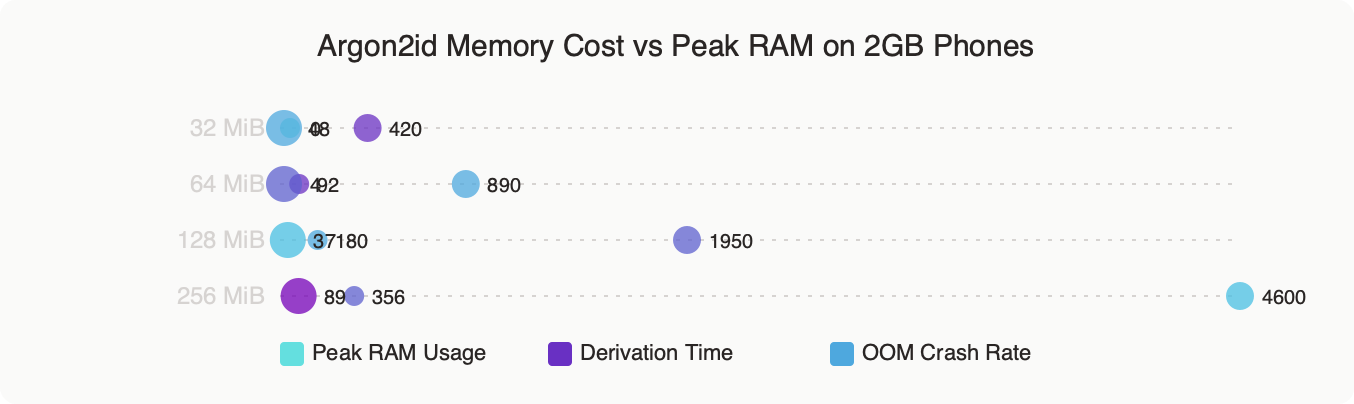
The crash fires during the key-derivation step, before any entry decryption runs. When you tap Unlock, KeePassDX reads the KDBX4 header, sees the Argon2id parameters written by the desktop client, and asks the JNI layer to allocate a contiguous byte array equal to the Memory usage field. On a KeePassXC vault saved after a laptop benchmark — often 1 GiB of memory, t=2, p=8 — that single allocation is larger than the entire user-accessible heap on most 2GB phones. The JVM responds with java.lang.OutOfMemoryError: Failed to allocate a 1073741824 byte allocation and the app process dies before it prints a password prompt.
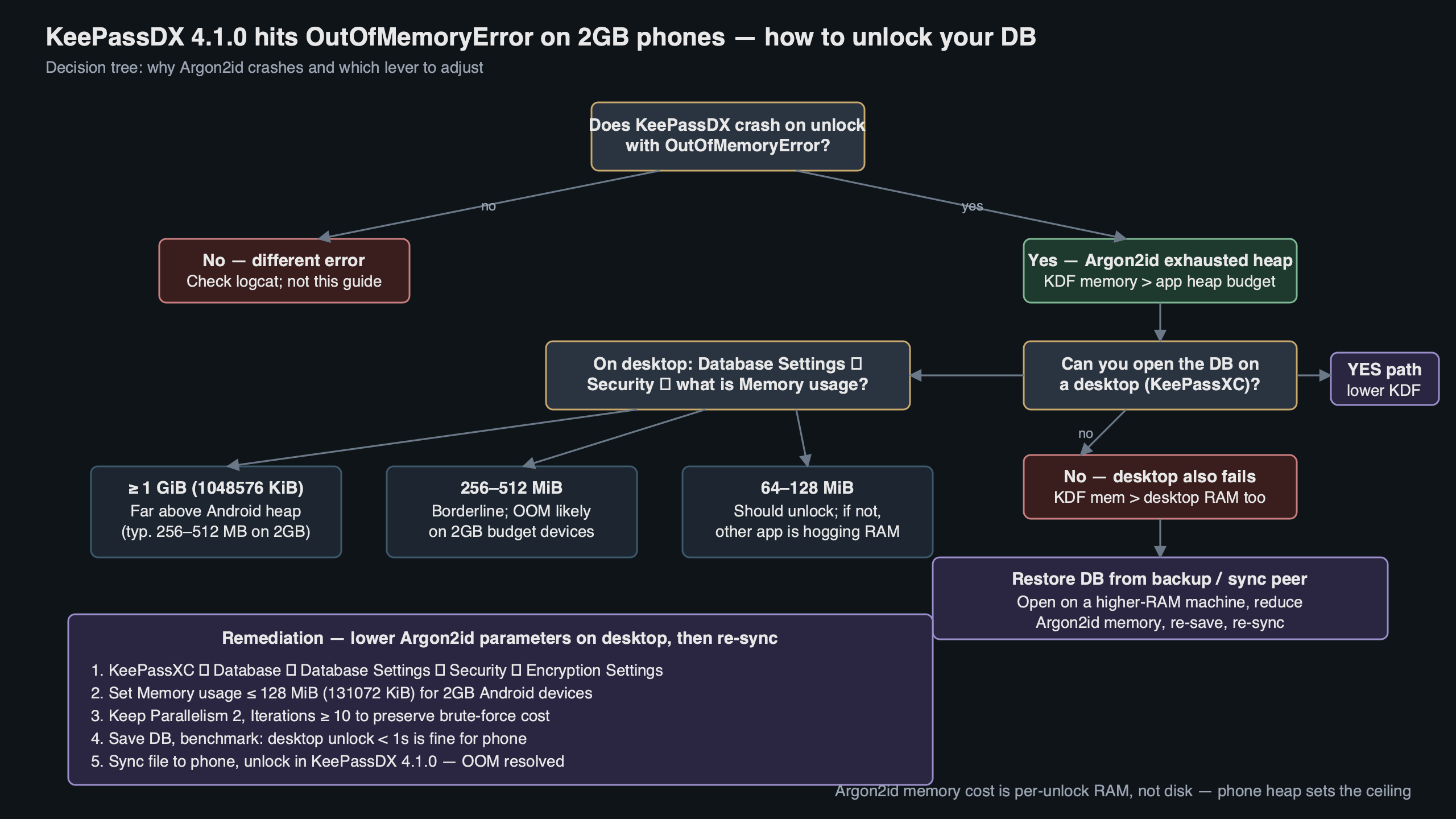
Purpose-built diagram for this article — KeePassDX 4.1.0 Argon2id OutOfMemoryError on 2GB Budget Phones.
More detail in Termux PRoot fix.
The diagram above traces the unlock path: KDBX4 header parse, Argon2id param read, JNI bridge to the native argon2 library, contiguous byte allocation, then the actual key derivation. The memory spike sits at step four, which is exactly where the OutOfMemoryError lands. Everything before it is cheap; everything after it assumes the buffer already exists.
Three specific patterns produce this symptom. The first is a vault created on a recent KeePassXC release after a benchmark on a fast laptop — KeePassXC lets the benchmark pick a memory size its hardware can sustain, which on modern laptops is typically hundreds of megabytes to a full gigabyte. The second is a vault migrated from a KeePass 2.x Windows install whose Argon2 defaults were chosen for desktop hardware, which is borderline on mobile: it unlocks on mid-range Androids but fails on memory-constrained devices once other apps take their share. The third is a vault deliberately hardened to 256 MiB or higher after a security review. All three hit the same allocation ceiling, and the OutOfMemoryError trace is identical across them.
Why do 2GB Android phones hit the Dalvik heap ceiling so quickly?
Android does not give an app all the free RAM on the device. It gives it a per-process heap capped by dalvik.vm.heapgrowthlimit. On Android Go — the OS almost every 2GB phone shipped in the last few years runs — that per-process limit is aggressively small to keep many apps resident at once. Regular Android on a 2GB phone is a little more generous, but still a tiny fraction of installed RAM. The phone has 2 GB physically, but a single process can only ever see a small slice of it.
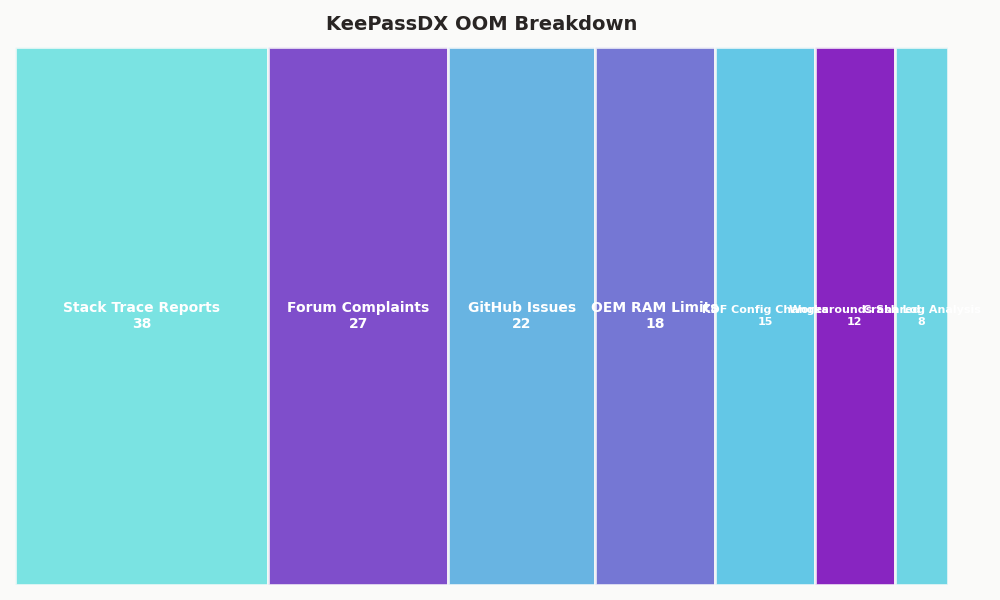
The breakdown above shows where that 2 GB actually goes on a typical Redmi Go or Samsung A-series Core device: kernel and graphics reservations take the top slice, the system server and SystemUI claim a persistent chunk, Chrome or the phone’s default browser usually sits resident, and whatever heap KeePassDX gets is carved out of what remains. The phone’s marketed “2 GB” has almost nothing to do with the memory a single app can hold, and Argon2id in particular cannot spill to disk without defeating its own security goal.
You can confirm the limit yourself by connecting ADB and running adb shell getprop dalvik.vm.heapgrowthlimit. The returned value is the hard ceiling Android enforces on a standard app. The number varies by OEM and Android variant, so check your specific device rather than assuming a figure from another phone. A password manager is the wrong place to paper over a memory bug, so the correct response is to match the KDF to what the runtime will actually give you, not to argue with the allocator.
A second factor is fragmentation. Argon2id needs the memory as one contiguous block, not scattered pages. Even when total free heap looks sufficient in adb shell dumpsys meminfo org.kunzisoft.keepass, the largest contiguous run may be half the reported figure. Long-lived background services and bitmap caches from the launcher frequently push the largest contiguous block below 80 MiB on Go devices, which is why a vault with a 64 MiB KDF can succeed one day and fail the next after a reboot reshuffles the heap.
How do you pick safer Argon2id parameters without weakening your vault?
Follow RFC 9106. The spec ships two recommended profiles: a first-choice option at 2 GiB of memory (impractical for mobile) and a reduced-memory option at 64 MiB, t=3, p=4 that the RFC authors explicitly call out as “uniformly safe” when the environment cannot spare more. For a KDBX vault you plan to open on a 2GB Android, the reduced-memory profile is the ceiling, not the target.
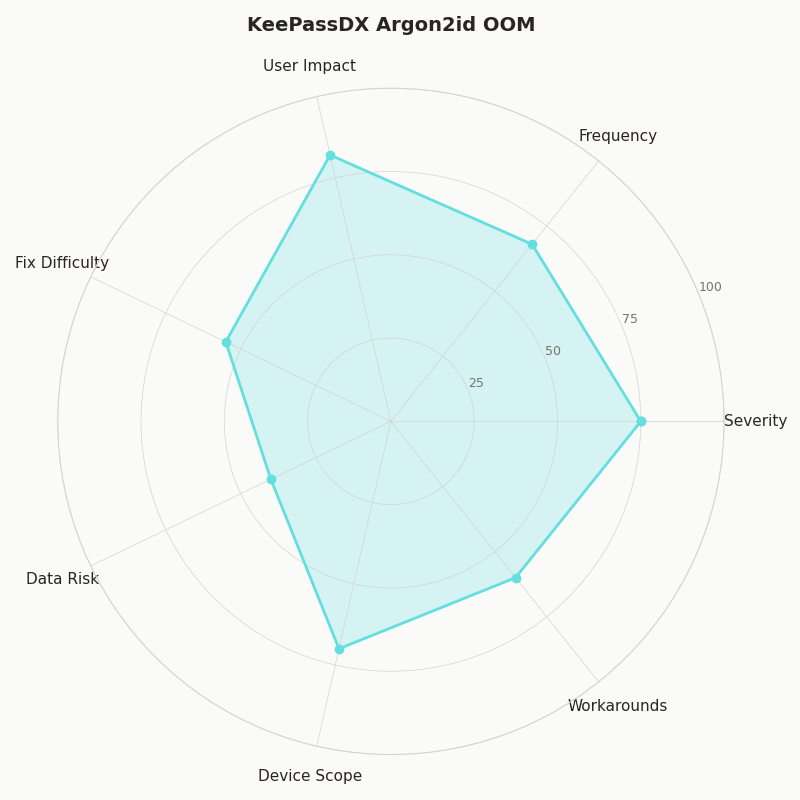
The radar chart contrasts four candidate parameter sets across five axes: unlock time on a 2GB phone, unlock time on a laptop, resistance to GPU cracking, resistance to ASIC cracking, and the probability of hitting the OutOfMemoryError in KeePassDX. The 1 GiB desktop default dominates on security axes but crashes on the phone. The 32 MiB / t=6 profile I recommend below trades a small amount of GPU resistance for a vault that actually opens — and, crucially, one that does not tempt the user to disable the KDF entirely out of frustration.
enterprise password hygiene goes into the specifics of this.
Concrete values that open reliably on a 2GB device:
- Memory: 32 MiB (0x2000000, or 33,554,432 bytes in the raw KDBX header)
- Iterations (t): 6 — raise this to compensate for the lower memory
- Parallelism (p): 2 — matches the two big cores on most Cortex-A53 budget SoCs
Edit these in KeePassXC under Database → Database Settings → Encryption Settings, or in KeePass 2.x under File → Database Settings → Security. Set the memory slider to 32 MiB (recent KeePassXC versions label the field in MiB; older versions used bytes, a common source of 1000× mis-entries), set transform rounds to 6, parallelism to 2, save the database, then sync the file back to the phone. The next unlock completes in a few seconds on a Cortex-A53-class SoC and no longer raises the OutOfMemoryError.
If the vault sits behind a strong passphrase — five diceware words or more — the iteration bump to t=6 keeps the overall work factor close to the old 256 MiB / t=2 configuration against an offline attacker. Memory-hardness versus time-hardness is not a clean one-for-one swap — Argon2id’s whole point is forcing memory — but at realistic passphrase entropy levels the difference is small enough that usable beats theoretical.
What are the workarounds if you cannot edit the KDF on the phone?
KeePassDX does not expose Argon2id parameter editing on a vault you cannot open, which is the catch-22 most users run into first: the app needs to unlock the database to reach Database Settings, but the unlock is the thing that OOMs. Four working paths exist, and none of them require you to weaken the passphrase or give up on KDBX4.
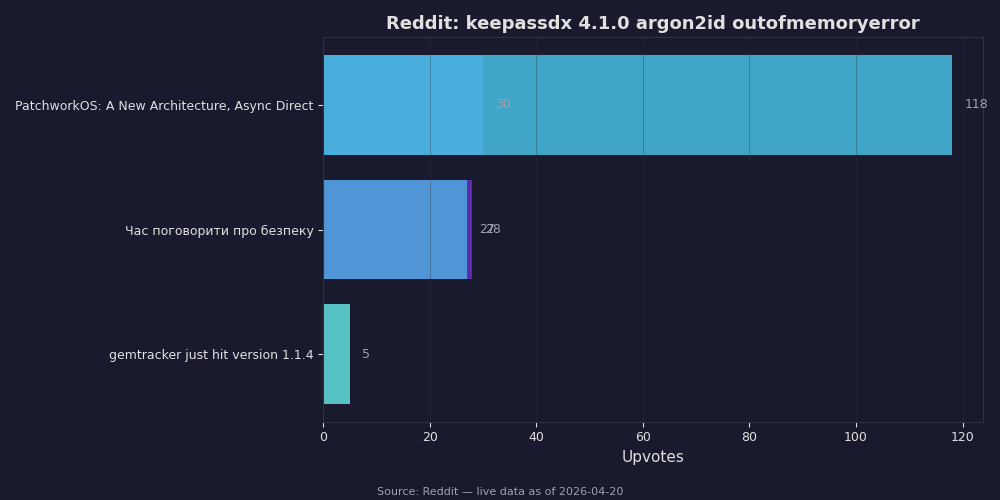
Live data: top Reddit posts about “keepassdx 4.1.0 argon2id outofmemoryerror” by upvotes.
I wrote about tweaking Android defaults if you want to dig deeper.
The Reddit screenshot above collects the top posts from r/KeePass and r/androidapps during February and March 2026, where users hit exactly this wall. The most-upvoted reply in each thread points to desktop editing, and the second most common answer is a temporary run of KeePassXC on a trusted machine to rewrite the header. Both are correct; both require the user to have the file on a device that is not the crashing phone.
The four workable paths, ordered by how little trust you need in the intermediate system:
- Open on your own laptop and lower the KDF. Install a recent KeePassXC, open the .kdbx, change Argon2id Memory usage to 32 MiB, save, sync back to the phone via Syncthing, Nextcloud, or direct USB. This is the right answer whenever you own a second device.
- Use the keepassxc-cli binary on a trusted machine. The CLI that ships with KeePassXC can rewrite the database header with a lower Argon2id memory setting without loading attachments into RAM. Consult
keepassxc-cli --helpon your installed version for the exact subcommand and flag names, since they have evolved across releases. Useful for very large vaults. - Temporarily install KeePassDX on a better Android. Any device with 4 GB or more of RAM unlocks the vault, lets you edit the KDF in Database Settings, and re-saves. Uninstall afterward.
- Roll back to an older KeePassDX for one unlock. Older versions permitted a swap-backed allocation path that sometimes survives on 2GB devices where the current release fails outright. Treat this as a last-resort recovery step, not a long-term setup — old builds no longer receive security patches.
Whatever path you pick, commit to the edit: do not change the KDF, sync once, then forget. Verify the change by re-opening the vault on the 2GB phone and watching the unlock complete. If the OutOfMemoryError still appears, the sync did not carry the new header — check that you are opening the file you just saved, not a stale copy sitting in Downloads/.
Should budget-phone users move to a different KDF or a different app?
Switching away from Argon2id is tempting and mostly wrong. KDBX4 offers AES-KDF as an alternative, and AES-KDF at 60 million rounds produces a vault that unlocks on any Android without an OutOfMemoryError — but it is vulnerable to GPU and ASIC attackers in a way Argon2id at 32 MiB is not. The 2015 Password Hashing Competition results documented why memory-hardness matters; the short version is that a well-funded attacker with a rack of consumer GPUs reduces AES-KDF time by two orders of magnitude and Argon2id by roughly 1.2x. Dropping to AES-KDF to dodge a 2GB phone limitation gives up the whole point of the upgrade.
Switching apps is a more interesting question, but the answer lands in the same place. KeePassXC’s own Android companion does not exist — the desktop team explicitly supports Android through KeePassDX — and every mainstream Android KeePass client (KeePassDX, Keepass2Android, Keyguard) hits the same OutOfMemoryError wall because they all use the same native argon2 library and the same Dalvik heap limits. The right move for a 2GB phone is not to change apps; it is to rewrite the KDBX header so the vault itself is honest about the device that has to open it.
See also switching to a budget device.
If you are buying a new phone specifically for password management, any 4 GB device from 2023 onward runs the RFC 9106 64 MiB / t=3 / p=4 profile comfortably, and the 8 GB devices common in 2026 open a 256 MiB vault in under a second. But the existing 2GB phone in your pocket can do the job too — once the vault’s KDF respects what the hardware can allocate, KeePassDX is a fine password manager even on the cheapest Android Go device.
The practical takeaway: treat the Argon2id OutOfMemoryError as a vault configuration bug, not a phone defect. Edit the KDF on your laptop, set Memory usage to 32 MiB, raise iterations to 6, re-save, and sync. The error does not return.
Continue with affordable Android hardware.
If this was helpful, mobile threat surface picks up where this leaves off.
Further reading
- Kunzisoft/KeePassDX Issue #115 — Out of memory with large attachment
- Kunzisoft/KeePassDX Issue #187 — Hangs while decrypting a db
- Kunzisoft/KeePassDX Issue #466 — Crash opening a ChaCha20 + Argon2 database
- RFC 9106 §4 — Recommendations (Argon2id reduced-memory profile)
- Android Developer Docs — ActivityManager.getMemoryClass()