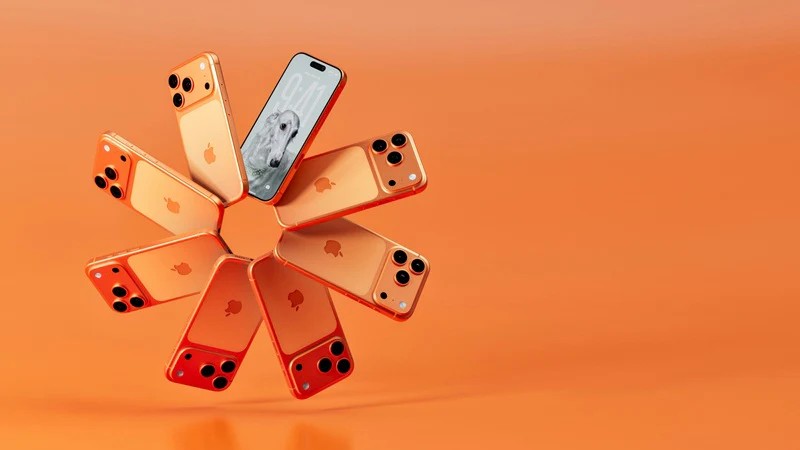
Apple Just Made It Easier to Quit iOS (Finally)
I honestly didn’t think they’d ever do it. But as of this morning, that changed. And it’s not because Apple suddenly developed a conscience.
For years, the “walled garden” has been less of a garden and more of a fortress with sniper towers. You want to leave? Good luck exporting your iMessage history or getting your photos out in a folder structure that doesn’t resemble a digital crime scene. But Apple’s “Liquid Glass” interface layer—introduced with the iPhone 17 Pro back in September—was supposed to be the future of haptics. Instead, it’s been a usability nightmare. The frustration is real, and the user bleed is apparently bad enough that Apple just pushed an update that includes — get this — a dedicated “Migration Assistant” for Android.
I grabbed my test unit (an iPhone 17 running the new iOS 19.3 build released yesterday) and a Pixel 10 to see if this is actually a peace offering or just malicious compliance.
The “I Give Up” Button
Buried deep in the Privacy settings (naturally, they didn’t put it on the home screen), there is now a toggle. It’s not labeled “Switch to Android,” obviously. It’s called “External Ecosystem Export.” And it actually works.

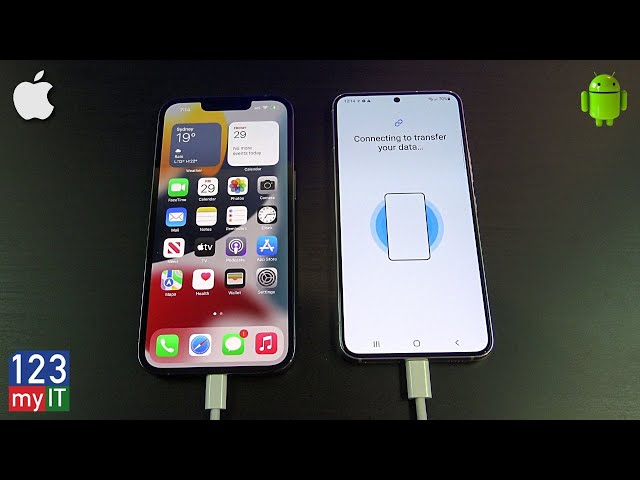
I connected the iPhone to my Pixel 10 via USB-C. Usually, this is where the handshake fails, or you get that vague “Device not supported” error that makes you want to throw things. But this time? The Pixel recognized the handshake immediately. The transfer speed was the first shock. I moved 128GB of photos, videos, and — crucially — message threads in about 14 minutes.
Testing the Transfer: A Real-World Mess
I didn’t just want to see if files moved. I wanted to see if the mess moved. I have a group chat on the iPhone that has been active since 2019. It’s a chaotic mix of reactions, high-res videos, and those proprietary Apple stickers that usually break everything. I ran the transfer.
The Result: On the Android side (running Android 16, January security patch), the messages appeared in Google Messages. The reactions were… mostly there. The “Liquid Glass” specific gestures? Gone, thankfully. But here’s the kicker: the new export tool converts those weird proprietary HEIC depth-map photos into standard JPEGs with a separate depth file.
Pro tip: If you are helping a friend migrate away from iOS this week, tell them to turn off “Liquid Haptics” in Accessibility before they start the export. I noticed the transfer throttled significantly when the phone was trying to process haptic feedback during the file copy.
Why Now?
It’s easy to be cynical and say regulators forced their hand, but the timing suggests this is damage control. The Liquid Glass backlash is loud. By offering an easy exit ramp, Apple is betting you won’t actually take it. It’s a psychological trick: “You can leave anytime you want!” usually makes people feel less trapped, so they stay.
But for Android users? This is open season.
The Privacy Setting You Should Care About
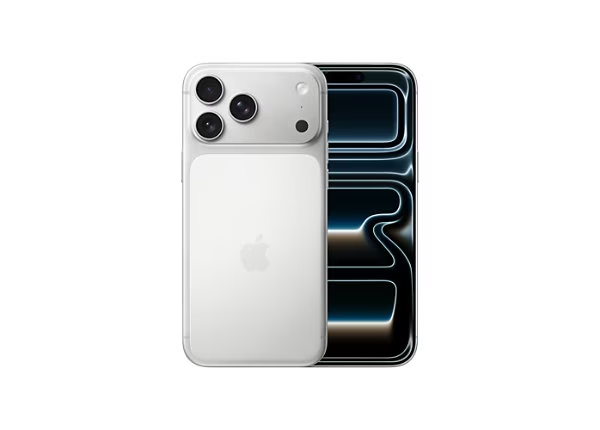
Alongside the wallpaper dumps (which, honestly, who cares? It’s 2026, generate your own with AI), the update included a new privacy toggle that actually affects us. It’s called “Cross-Platform Link Preview.” Previously, if an iPhone user sent you a link, Apple’s servers would pre-fetch it to generate the preview card. Now, you can disable that sender-side pre-fetch. Why does this matter? Because if I send a link to my self-hosted Home Assistant instance, I don’t necessarily want Apple’s bot hitting my server. I toggled this off immediately on the test unit.
What This Means for Android in Q1 2026
We are going to see a wave of switchers. I’m already seeing posts on X (formerly Twitter) from people showing off their new Galaxy S26 Ultras with captions like “Finally dry screens.” Google needs to be ready. The Data Restore Tool is good, but it’s not perfect. During my test, it missed three contacts that had weird characters in their names. If Google wants to capture this frustrated demographic, they need to patch that edge case by next week.
I’ve stuck with Android through the bad years (remember the messaging wars of ’22?), and it feels good to watch the walls crumble a bit. If you have friends complaining about their iPhone 17s, send them a USB-C cable. It’s finally useful.